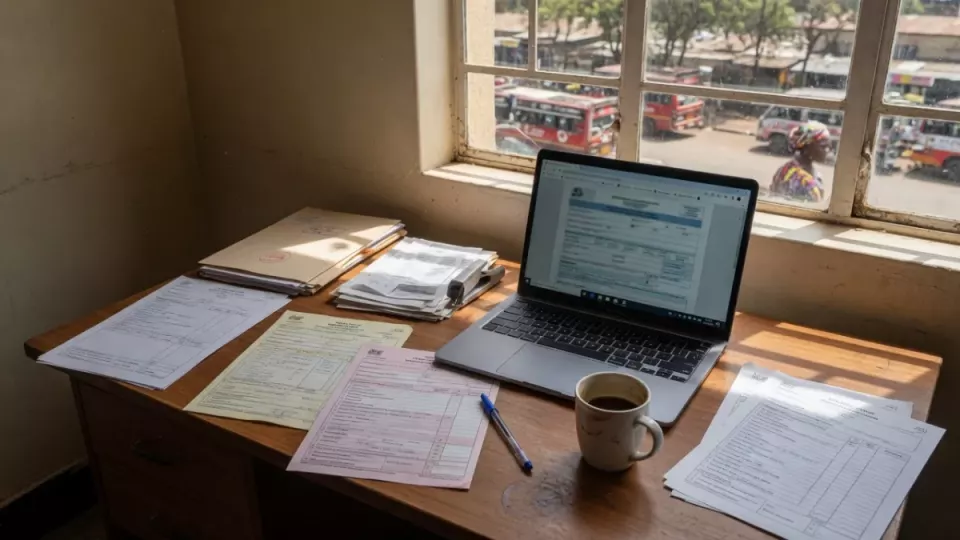
You need a Safaricom line registered to your name and a valid national ID (or allowed ID type).
Registration is done via official USSD/app/agent channels — not random “M-Pesa agents” on Telegram.
Your PIN is the key to your money; never share it.
Practical takeaway: Register only with your own ID, set a PIN nobody nearby can see, and send a Sh10 test to yourself or a trusted number before larger transfers.
Updated August 2026. Portals and fees change — always confirm on the official site before you pay or submit.
M-Pesa is Kenya’s default mobile money rail. New lines and replacement SIMs still depend on correct SIM registration under Communications Authority and Safaricom rules.
What you need
Safaricom SIM in a working phone.
Original national ID (or passport category Safaricom accepts).
A PIN you can remember without writing it on the phone case.
Typical registration path
Ensure the SIM is registered to you (agent or official self-service).
Dial the official M-Pesa USSD or open the official Super App / M-Pesa app Safaricom publishes.
Follow prompts to activate M-Pesa and set a PIN.
Accept terms and confirm the SMS that M-Pesa is active.
Deposit a small amount via agent or bank and try Send Money / Paybill once.
Safety basics
Safaricom will not call asking for your PIN.
Reject “reverse transaction” scams that pressure you to send money.